


TheCBORchestra
Version 0.1.0
Read-only viewer for WhatANoise CBOR datastores, built with GTK4 and libadwaita.
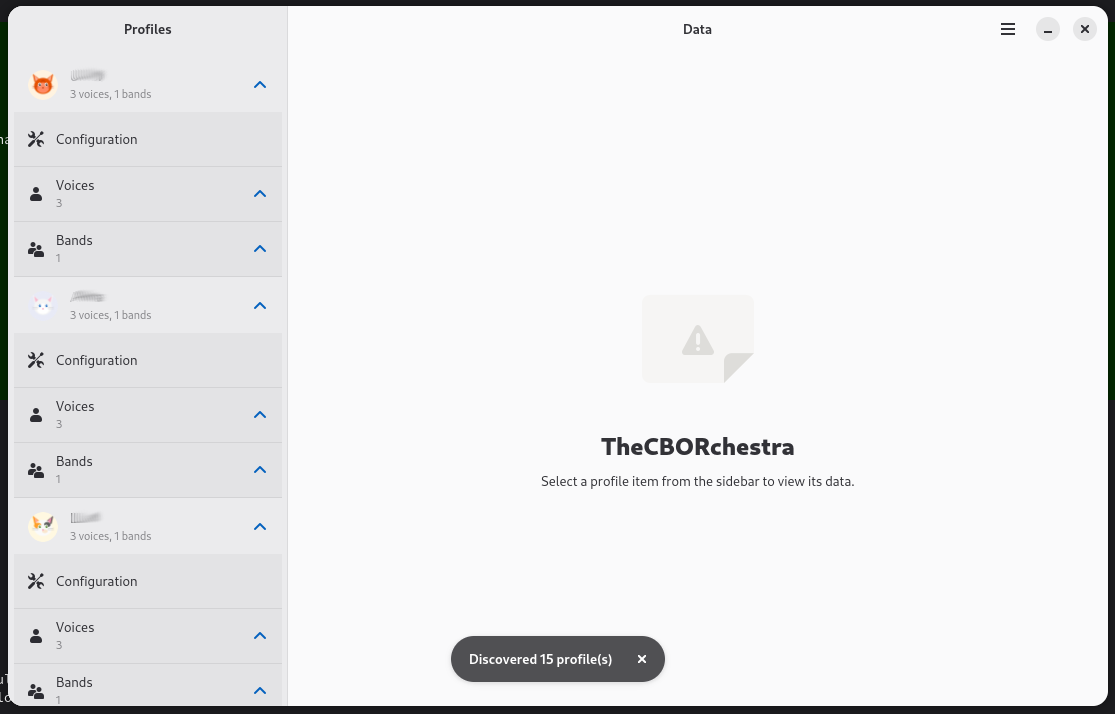
Features
Profile Auto-Discovery
Automatically finds all WhatANoise profiles from ~/.local/share/whatanoise* and ~/.config/whatanoise* directories. Browse multiple profiles in a single session.
Configuration Viewer
Displays all profile configuration settings in a native Adwaita PreferencesGroup layout — broker connections, encryption keys, display preferences, and more.
Voice & Band Browser
Browse all voices (contacts) and bands (groups) with detailed metadata views. See member lists, avatars, custom backgrounds, and per-voice settings.
Message History
Read complete chat histories with all metadata fields — timestamps, delivery status, reactions, and formatting. Inline thumbnails and color swatches for attachments.
Image Viewer
Built-in image viewer for image attachments. Other file types open via xdg-open in their default application.
WhatANoise Integration
Double-click on a voice to launch WhatANoise directly for that contact. Seamless workflow between browsing and messaging.
Use Cases
Data Inspection
Explore WhatANoise CBOR datastores without risk of modifying data. Ideal for debugging, auditing, or understanding the data structure.
Profile Management
Compare configurations across multiple WhatANoise profiles. Useful when managing separate profiles for different communities or MQTT brokers.
Message Forensics
Browse message histories with full metadata visibility — timestamps, encryption status, delivery receipts, and raw CBOR fields.